Written by the E-Insure First Content Team | Reviewed by Sunil Goyal, Director, E-Insure First | Last updated: July 2026
Quick Answer:
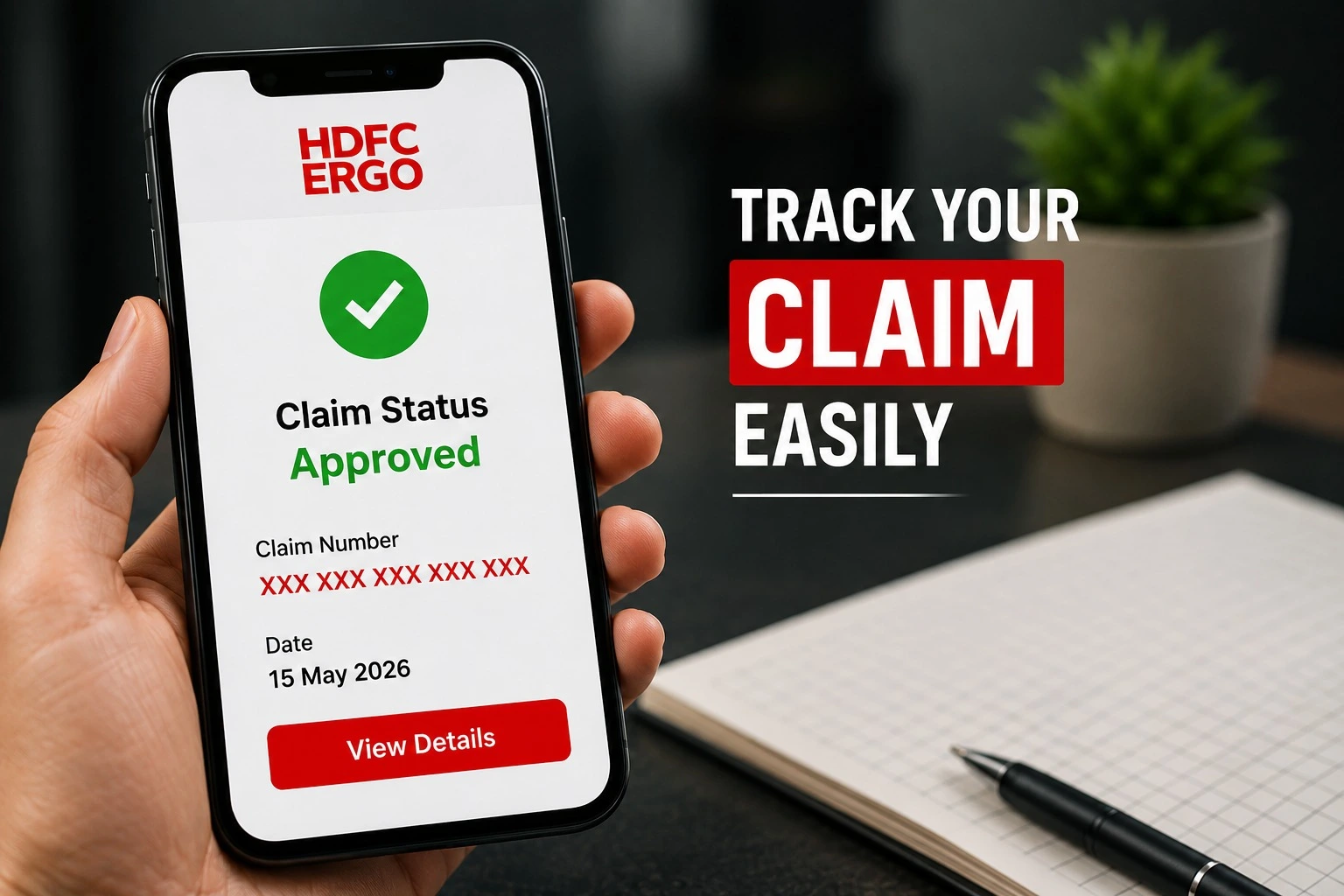
To do a HDFC ERGO claim status check, go to the HDFC ERGO self-help portal or the "Track Claim Status" page on hdfcergo.com , choose your product (car, bike or health), and enter your claim/policy number along with your registered mobile number or date of birth. You can also check HDFC ergo claim status through the HDFC ERGO mobile app, by calling their customer care line, or by messaging their WhatsApp support number.
When your car, bike, or health claim is hovering between “Submitted” and “Settled”, it’s the not knowing that drives you crazy. But an HDFC Ergo claim status check can be done in less than 2 minutes if you know where to click and which support channels HDFC ERGO has-not what Google might tell you. All steps have been taken directly from HDFC Ergo’s actual claims sections.
Confused about which document your claim needs next? Talk to an E-Insure First advisor—we'll help you read your policy and push your claim forward. If you're filing a health insurance claim through another insurer, you can also learn how to claim Star Health Insurance.
Why You'd Want to Check Claim Status HDFC ERGO Regularly
Insurers process thousands of claims a day, and a status check tells you exactly where yours stands — whether it's with the surveyor, awaiting a document, approved, or already settled. Catching a "documents pending" flag early can save you a week of waiting, because HDFC ERGO won't move a claim forward until the missing paperwork lands in their system.
4 Ways to Check HDFC ERGO Claim Status
HDFC ERGO offers multiple ways to track your insurance claim, making it easy to stay updated on your claim progress. Whether you prefer using the online self-help portal, mobile app, customer care, or WhatsApp support, each method provides quick access to your latest claim status. Choose the option that's most convenient for you and follow the steps below.
| Method | Time Required | Best For |
|---|---|---|
| Self-Help Portal | 2 Minutes | Fastest online tracking |
| HDFC ERGO Mobile App | 2 Minutes | Mobile users |
| Customer Care | 5–10 Minutes | Assistance with claim queries |
| WhatsApp Support | 2–5 Minutes | Quick status updates |
| Branch Visit | Depends on branch | Complex claim issues |
1. HDFC ERGO Self-Help Portal (Fastest Way to Check HDFC ERGO Claim Status Online)
This is the method HDFC ERGO itself recommends, and it's the quickest route for a HDFC ergo claim status check online:
- Go to the official HDFC ERGO Claim Status page on the self-help portal.
- Select your insurance type — Car, Bike, or Health.
- Enter your claim number (or policy number) along with your registered mobile number, email, or date of birth, depending on the product.
- Submit the OTP sent to your registered mobile number.
- Your current claim stage — registered, under survey, documents pending, approved, or settled — will appear on screen.
Separate tracker links exist for car insurance claims, bike insurance claims, and health insurance claims — use the one matching your policy. If your policy is managed through a TPA, you may also need to check your FHPL claim status separately.
2. HDFC ERGO Mobile App
If you'd rather not log in on a browser every time, this is how to HDFC ergo check claim status from your phone: download the HDFC ERGO app from the Play Store or App Store, log in with your policy number and registered mobile number, and open the "Track Claim" section from the home screen. The app shows the same real-time status as the website and also lets you upload pending documents directly from your gallery. If your claim is handled by another TPA, you can also check the Heritage TPA claim status online.
3. Customer Care Call
Prefer talking to a person? You can check claim status HDFC ergo by calling their customer service line at 022-6158 2020 (chargeable, accessible 24x7 as per HDFC ERGO's official contact page). Keep your policy number and claim number ready so the executive can pull up your file immediately.
4. WhatsApp and Branch Visit
HDFC ERGO also offers WhatsApp-based assistance on 8169 500 500 for policy and claim queries — useful when you just want a quick text-based update instead of a call. If your query is more complex, walking into your nearest HDFC ERGO branch with your policy documents and claim reference number works too; you can find your closest branch through the branch locator on hdfcergo.com.
Not sure which claim status method fits your case (motor vs. health vs. group policy)? Ask E-Insure First — we'll point you to the right tracker in under a minute.
How to Check HDFC ERGO Claim Status Step by Step (Car Insurance Example)
Here's exactly what happens if you're wondering how to check HDFC ergo claim status for a car insurance claim specifically:
- Open the Track Car Insurance Claim page.
- Enter your claim number or policy number.
- Verify with the OTP sent to your registered mobile.
- View the live status — claim registered, surveyor assigned, survey completed, approved for repair, or amount settled.
Health and bike claims follow the same broad flow, just on their own dedicated tracker pages linked above.
What Each HDFC ERGO Claim Status Stage Means
|
Status Shown |
What It Means |
|
Claim Registered |
Your claim intimation has been received and logged in the system. |
|
Surveyor Assigned |
A surveyor has been allocated to assess the damage or loss. |
|
Documents Pending |
HDFC ERGO is waiting on a document from you — check email/app for the exact list. |
|
Under Assessment |
The claim amount is being calculated based on the survey report and policy terms. |
|
Approved |
The claim has been sanctioned; payment or repair authorization is being processed. |
|
Settled/Closed |
Payment has been made to you or the garage/hospital, and the claim file is closed. |
Claim Status Not Updating? Try This
- Double-check the claim number — a typo is the most common reason a status check fails.
- Confirm your registered mobile number is the one you're entering; OTPs won't reach an old number.
- Give it 24–48 hours after document submission before assuming there's a delay — internal updates aren't always instant.
- If the status hasn't moved in over a week, call the customer care number above or raise it through the grievance tracker.
Conclusion
Keeping track of your claim regularly helps you identify pending documents, survey updates, and settlement progress without unnecessary delays. Whether you choose the HDFC ERGO self-help portal, mobile app, WhatsApp support, or customer care, checking your claim status only takes a few minutes. If you still face delays or need help understanding your claim status, E-Insure First can guide you through the next steps and help you resolve common claim-related issues.
Frequently Asked Questions (FAQs)
How do I check my HDFC ERGO claim status online?
Visit the HDFC ERGO self-help portal, select your insurance type, and enter your claim or policy number with your registered mobile number to complete a HDFC ergo claim status check online in under two minutes.
Can I check HDFC ERGO claim status without logging in?
Yes. The claim status trackers on hdfcergo.com only need your claim/policy number and an OTP verification — no separate account login is required.
What number do I call to check the claim status of HDFC ERGO?
For queries, give HDFC ERGO's helpline a ring on 022-6158 2020, listed on their website's contact page as a chargeable call, available around the clock. Have the claim number ready.
How long does HDFC ERGO take to settle a claim?
Timelines vary by product and claim type — cashless health claims are typically approved faster than reimbursement claims, and motor claims depend on survey and repair turnaround. Checking your status regularly is the best way to track your specific timeline.
Why is my HDFC ERGO claim status showing "documents pending"?
HDFC ERGO requires more documents from you then for your policy to be activated Log in on the app or the self help portal and check for list of documents or call us on customer care
Stuck on a claim and don't know who to escalate to? E-Insure First can guide you through the grievance process — no charge for the first consultation.